01
Save from anywhere Straight from Chrome in one right-click, or a whole folder at once from your desktop. However you collect, it lands in the right collection.
Pictures, notes and documents in one library, found by describing what you remember. No cloud and no limits: it is a folder on your disk, and it answers only to you.
WindowsmacOSSoonLinux

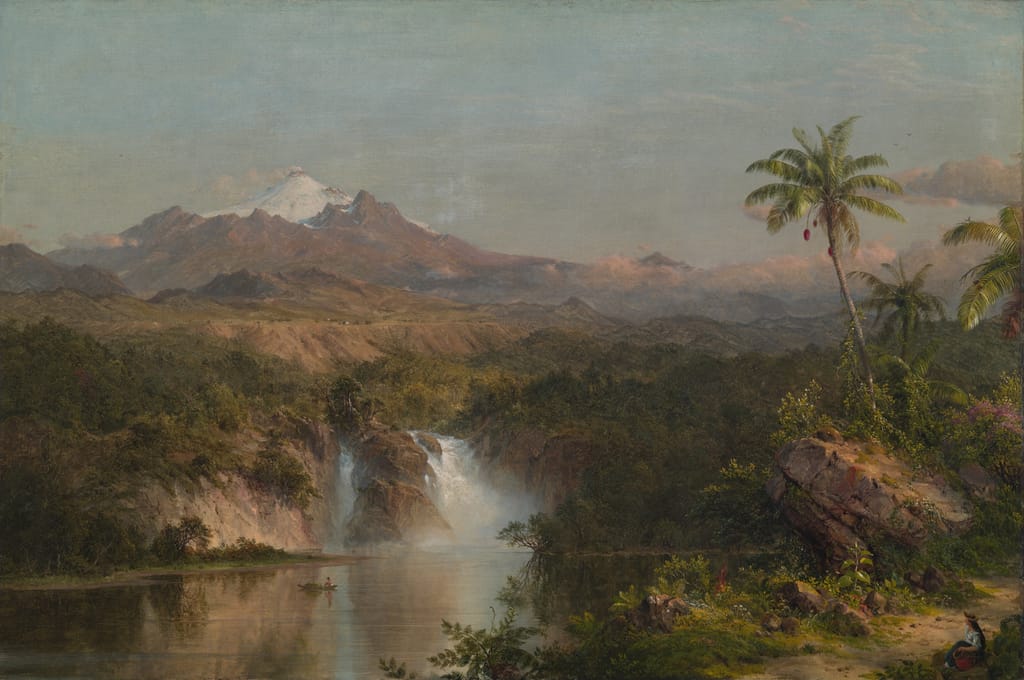
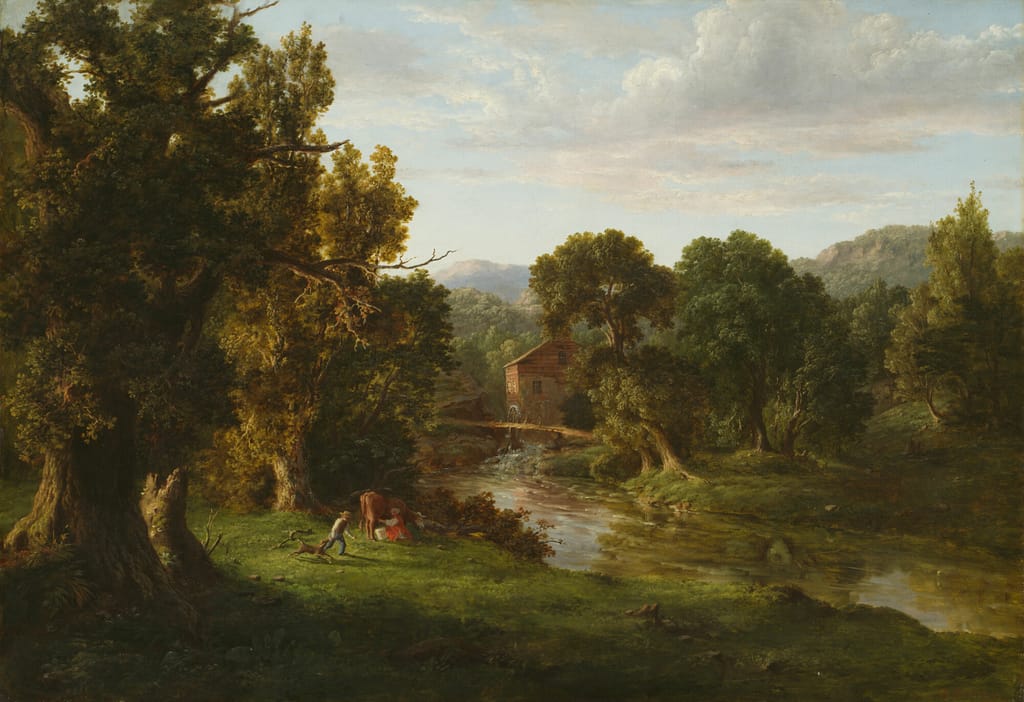 Moodboard2h agoLandscapesYesterday12Studio references3d ago8
Save from anywhere Straight from Chrome in one right-click, or a whole folder at once from your desktop. However you collect, it lands in the right collection.
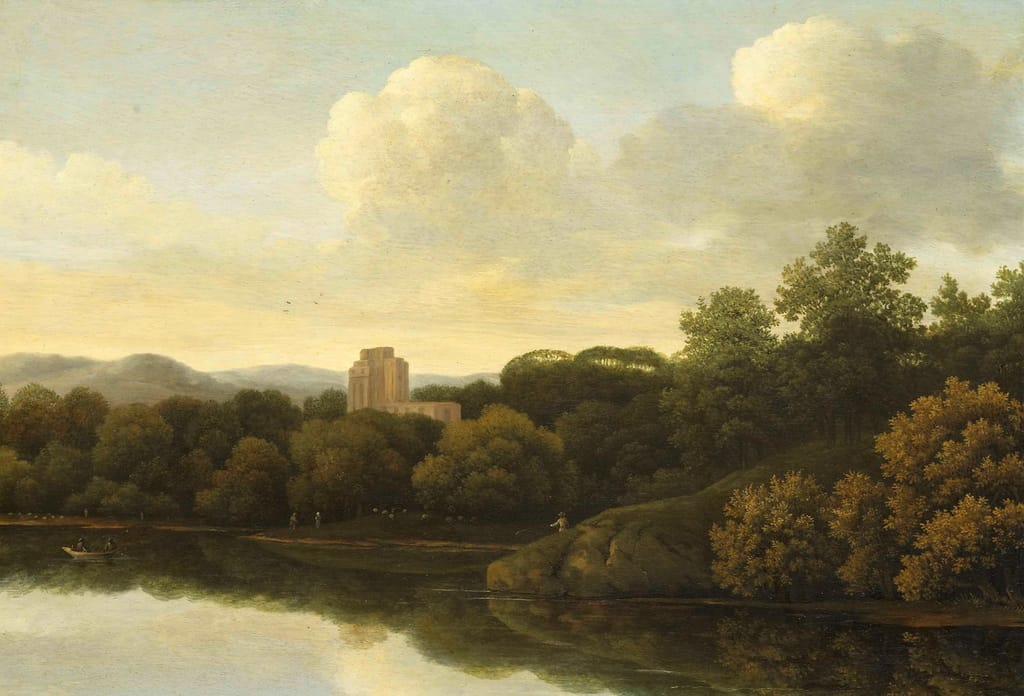
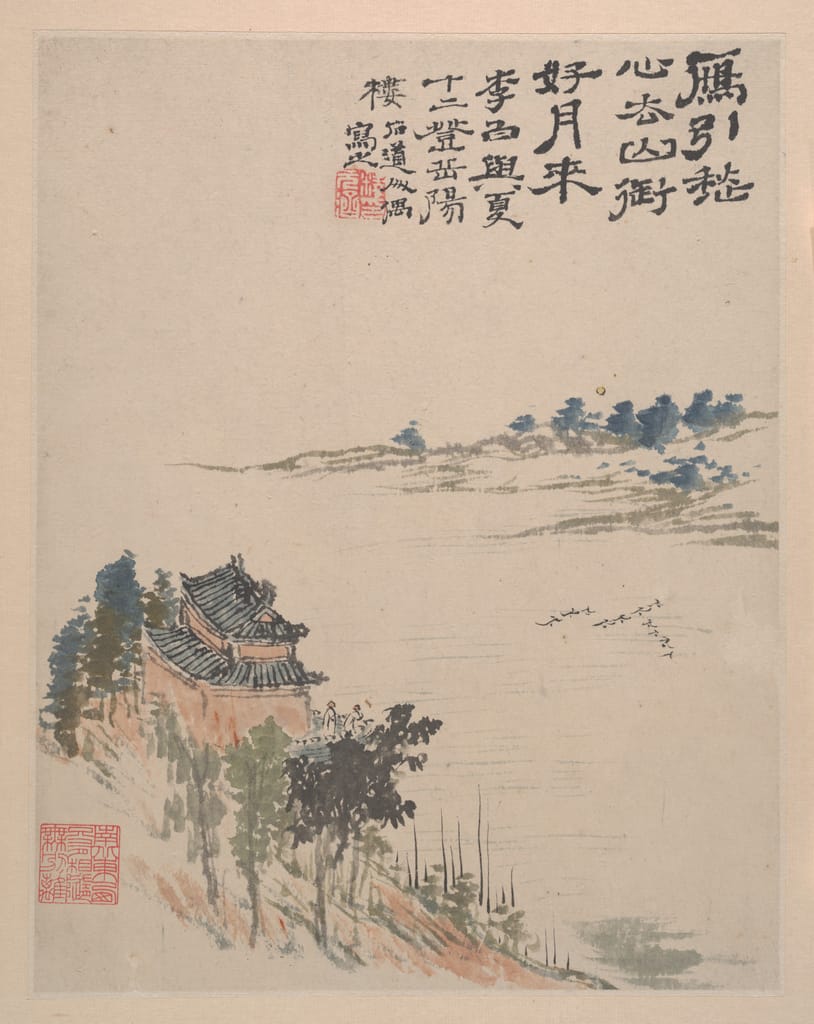
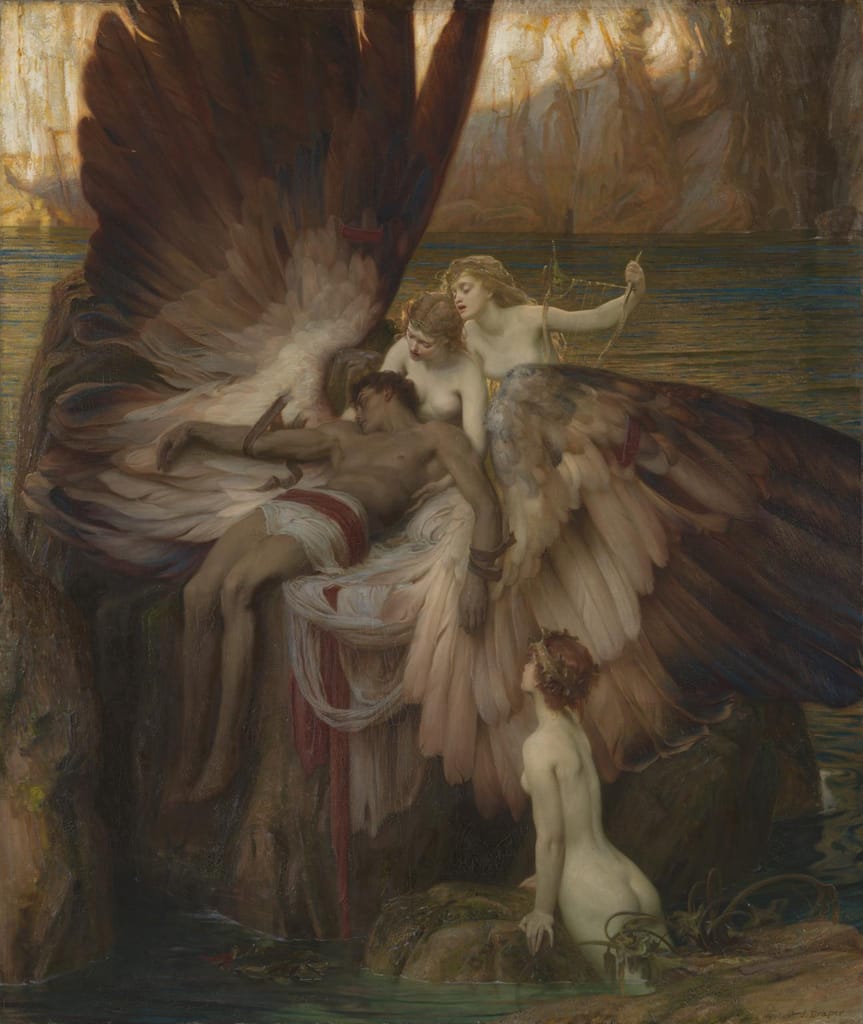
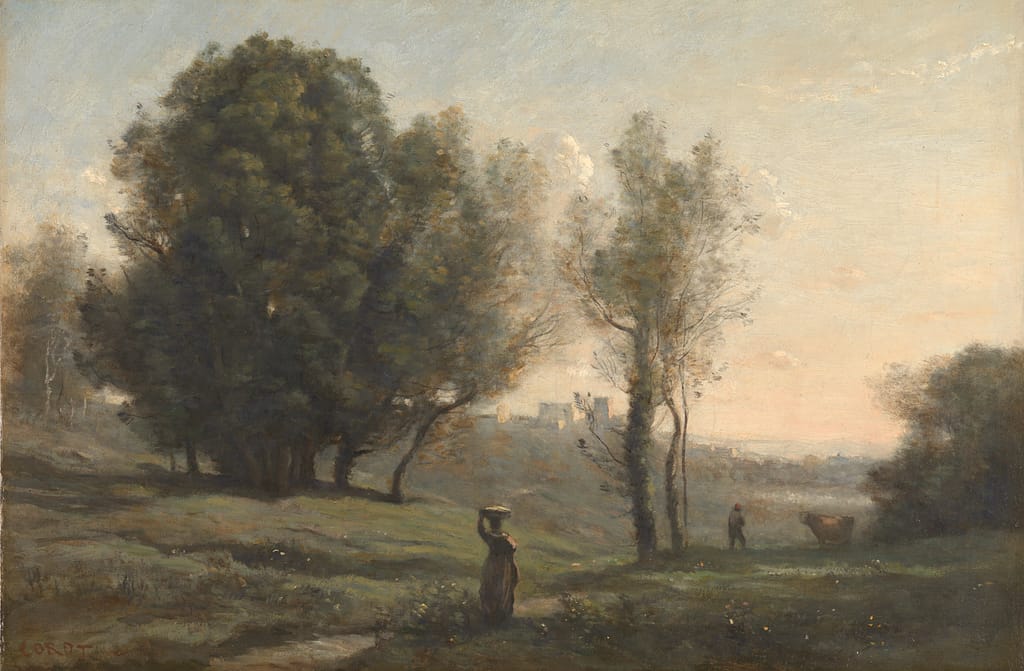
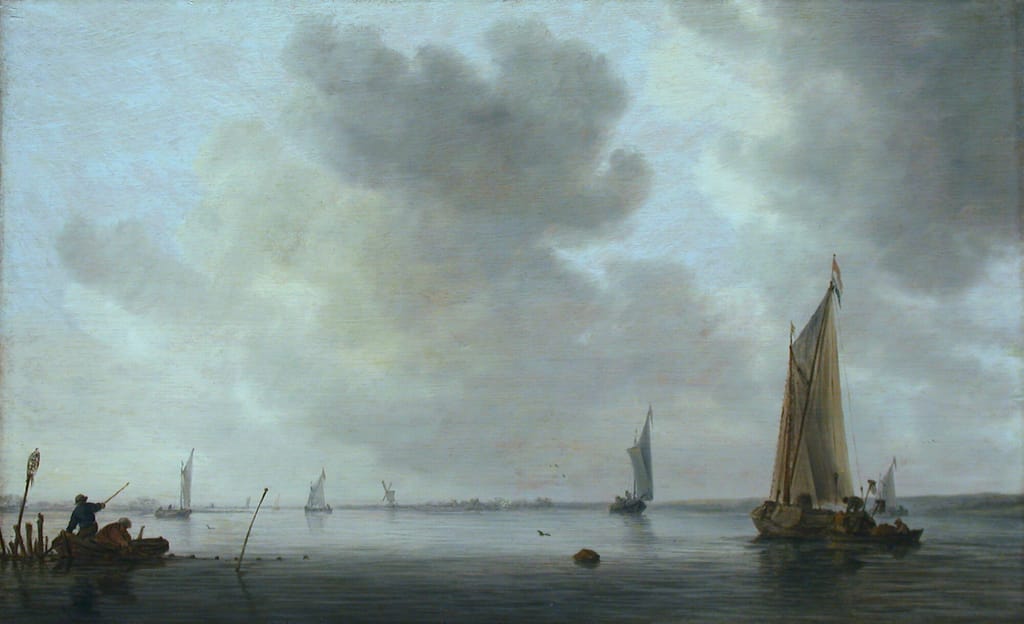
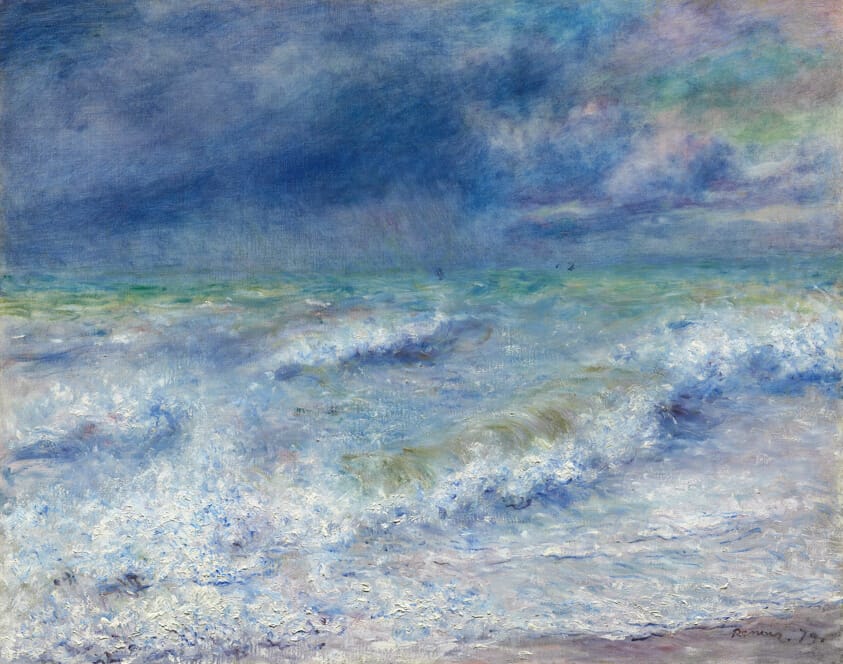
Find it by what it looks like You remember the picture, not the file name. Type “a storm at sea” and the storms come up, found on your own machine, never uploaded. Colours and tags narrow the rest.
Keep it together Collections for every project, with the notes and documents right beside the pictures they are about. The whole library is just a folder on your disk.
Search by colour. Remember the palette but not the picture? Pick the colour and everything made of it comes up, the ones with the most of it first.
Notes in the same library. The brief, the palette, the half-formed idea, kept beside the pictures they are about instead of in another app. Plain Markdown that opens anywhere.
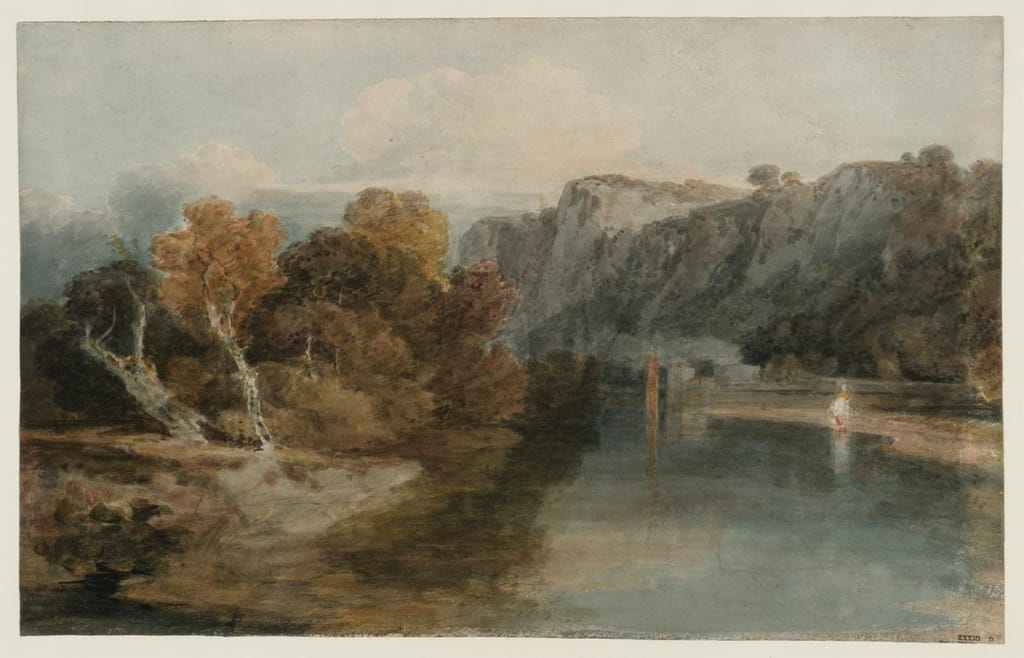
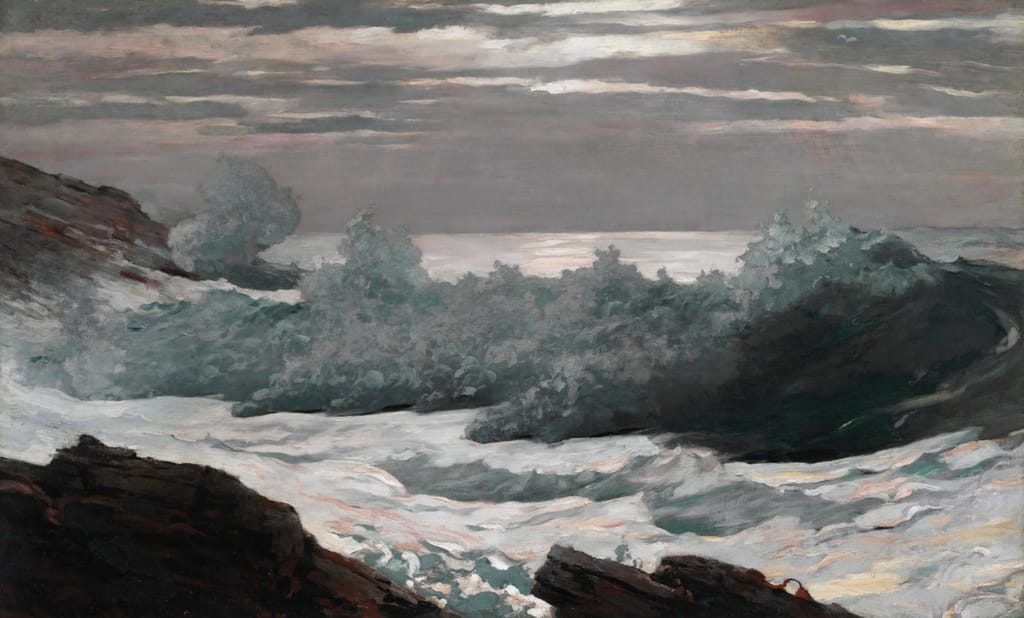
Warm greys, the ochre in the Turner, and the sea in Homer after the storm.
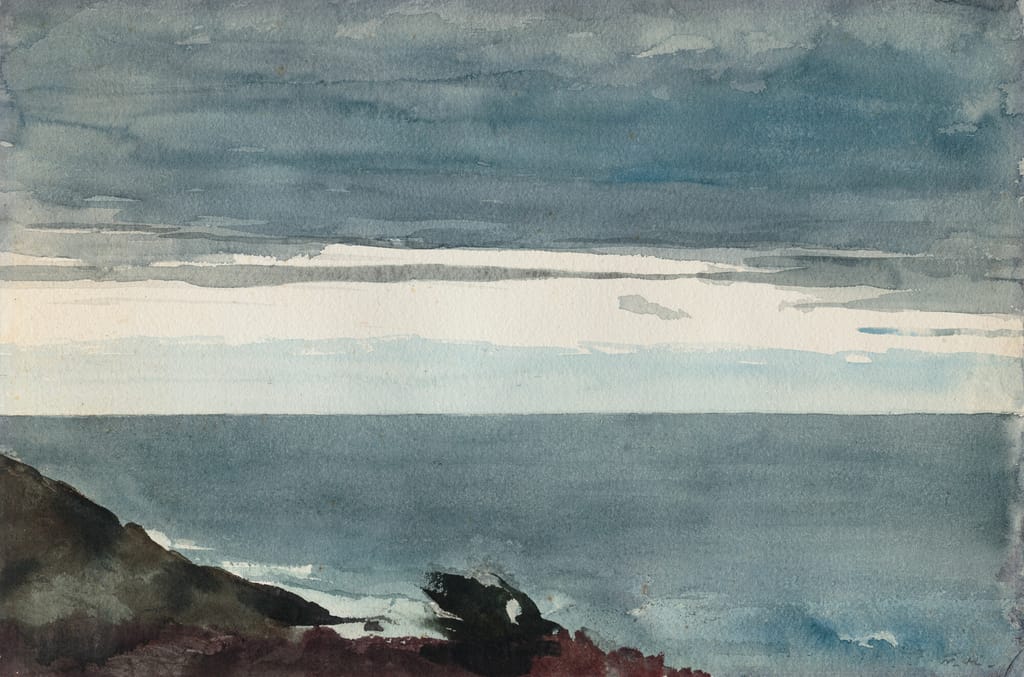
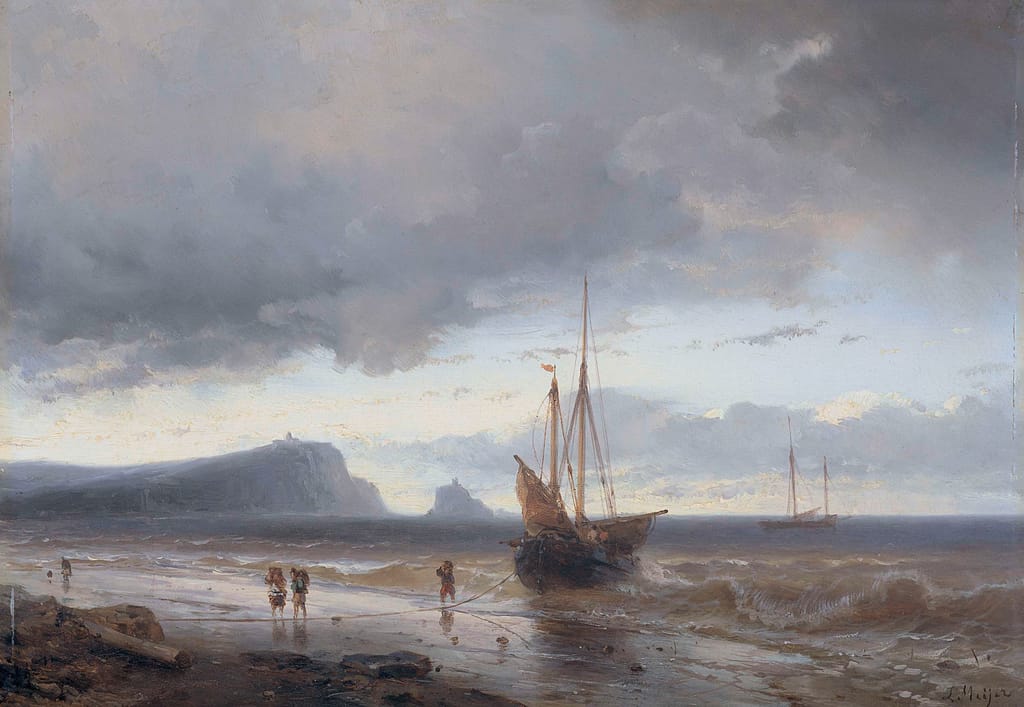
Warm greys, the ochre in the Turner, and the sea in Homer after the storm.
Keep the horizon low, and let the weather be the subject.
PDFs and Word files. The brief lives with the references it asked for. PDFs, Word and Markdown, searchable down to the words inside.
Six prints for the spring show, each one a stretch of coast at a different hour. The palette stays with the references: warm greys and a low ochre light.
Keep the horizon low and the sky large.YounowUse the Homer after the storm for the sea. The boats are small and few; the weather is the subject.
Yours, on your disk. Your library is a folder. It opens on a plane, never waits on a server, and one click writes a backup that stays with you.
Press / for any block: headings, to-dos, quotes, code, dividers, even a Spotify or Apple Music card. Every note is a Markdown file on your disk, saved as you type and readable in any editor, today or in ten years.
# Untitled
Pay monthly for as long as you like, or buy Galleri once and keep it.
The full app and every new version, for as long as you subscribe.
Always included
Pay once and Galleri is yours, on your computer.
Everything in Monthly +
Your library stays on your computer. Your email is only for your licence.
A first launch that helps you sign in or get Galleri, and a Settings → Account that shows your licence and the app’s version.
See changelogDrag the scrollbar as fast as you like and then switch collections: your pictures come back the moment the scroll stops, instead of staying as blocks of colour.
See changelogEvery icon in Galleri is redrawn as one set, the sidebar comes in a second shape, the accent in eleven colours, and big PDFs open at once.
See changelogStill have a question? Write to us
Yes. Your library, search by meaning and tags all run on your computer, so Galleri works on a plane. It only goes online to check your licence, fetch updates, and download the search model once when you turn it on.
In a folder on your own disk, one for each library. Pictures stay as image files and notes as Markdown, so you can open them without Galleri. Nothing is uploaded.
No. Search by meaning and suggested tags come from a model that runs on your machine. Your pictures and what you search for never leave it.
Yes. Your licence is for you, not for one machine: sign in with your email and access code on each of your computers. To take a library along, export it from Settings and import it on the other one.
Yes, all of them. A licence for life includes every update we release, with nothing more to pay.
It includes every new version for as long as you subscribe, and you can cancel at any time. It stays active until the end of the period you have paid for.
Install Save on Galleri for Chrome, right-click a picture and choose Save on Galleri. It goes straight into the library open on your computer, along with the page it came from.
Windows 10 and 11, and Linux (Debian and Ubuntu). macOS on Apple silicon (M1 and later) is coming soon: that version is still going through performance testing before its official release. One licence covers all of them.