
Right-click a picture. It is in your library.
Stop screenshotting. Save on Galleri sends any picture in Chrome straight to the right collection, at full size and with the page it came from. It comes with Galleri, and it only talks to the app on your computer.
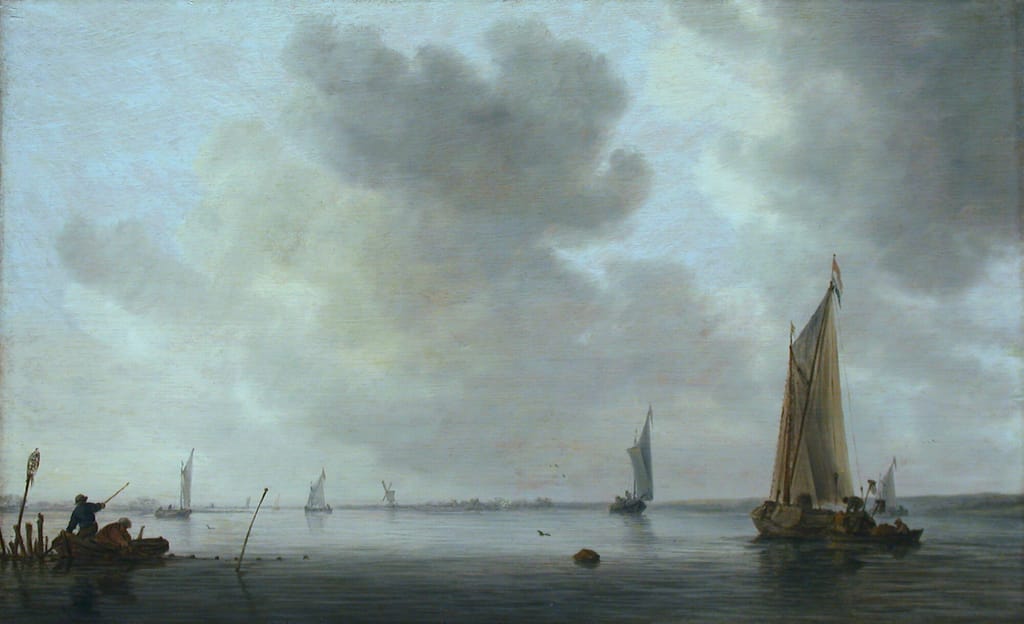
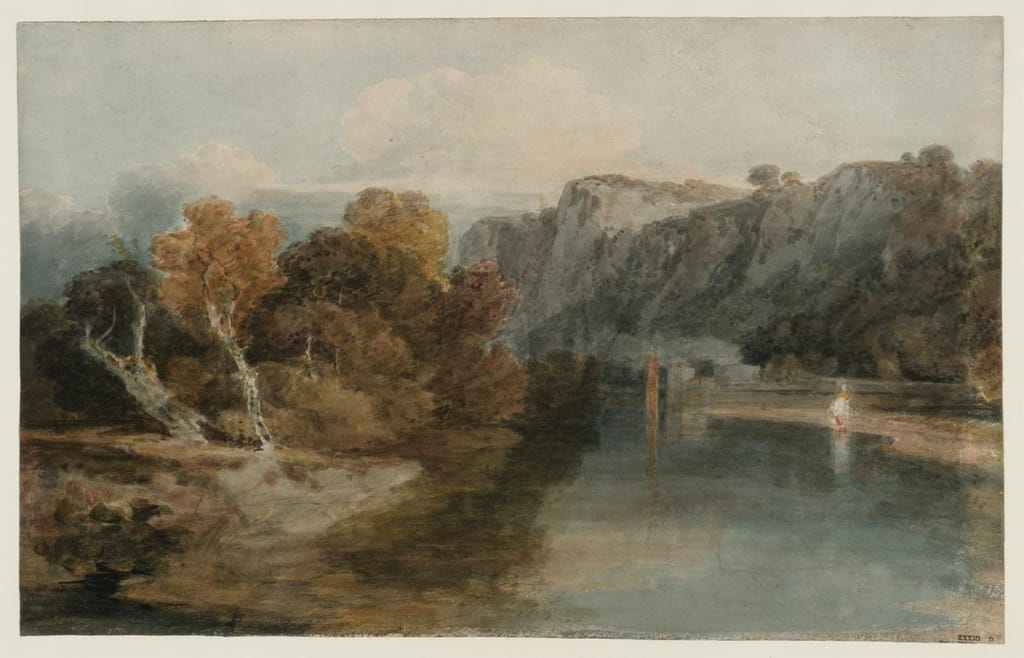
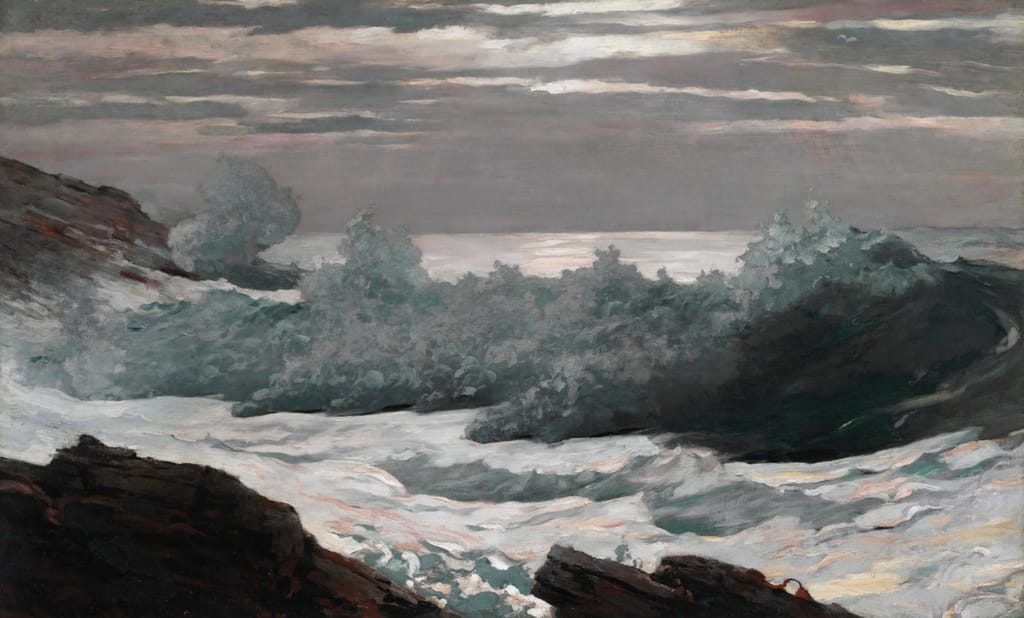


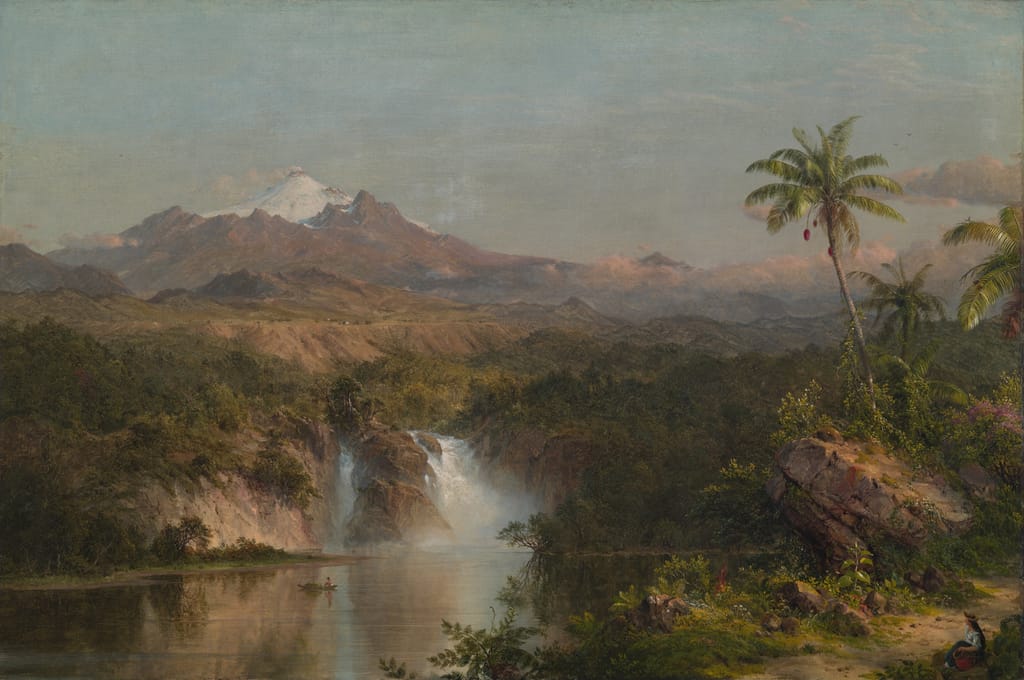
The whole page, not one picture
Found a page full of good ones? Save the lot in one go, not one at a time.
Filed as you save
It lands in the collection it belongs to, so there is no sorting later. The card remembers where you saved last.
The original, not the preview
Full resolution, every time. On X and Pinterest it goes after the original file, not the smaller copy on the page.
Never lose where it came from
Every picture keeps its page, one click away. To credit the artist, or to find the rest of the series.
Built into X and Pinterest
A Save button in a post’s share menu on X and beside the board picker on Pinterest, with the pictures already picked.
Straight to your computer
Pictures go to Galleri on your machine and nowhere else. Not even to us.
Add it to Chrome
It ships inside Galleri, so there is no store to search. Three steps, once, and Galleri walks you through them the first time it opens.
- 1
Open Chrome’s extensions
Go to chrome://extensions and turn on Developer mode, top right.
- 2
Load the Galleri extension
Click Load unpacked and choose the extension folder. Galleri’s first run opens it for you with Show folder.
- 3
Keep Galleri open
Pictures go straight into it as you save them. With the app closed, the card says so and offers to try again.